Free companion tools
Any image in. Gradient palette out.
Saved Pixel App is the browser workspace for Palette Grid companion tools. It helps artists turn renders, screenshots, concept art, and existing palette PNGs into clean palette textures and editable gradient strips. The app is free to use in the browser, while Palette Grid is the Blender addon that continues the workflow inside Blender.
Gradient texturing palettes, from anything
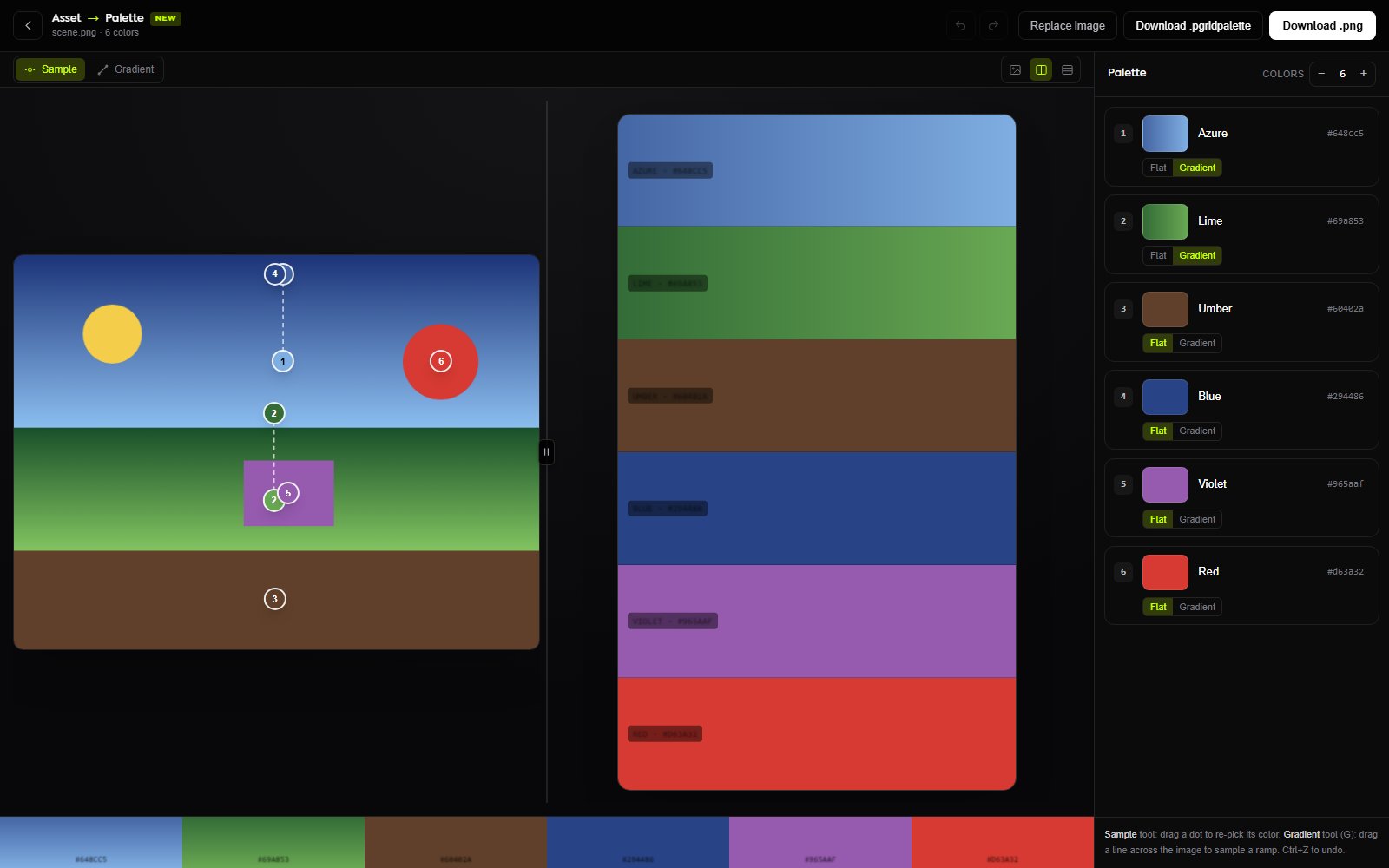
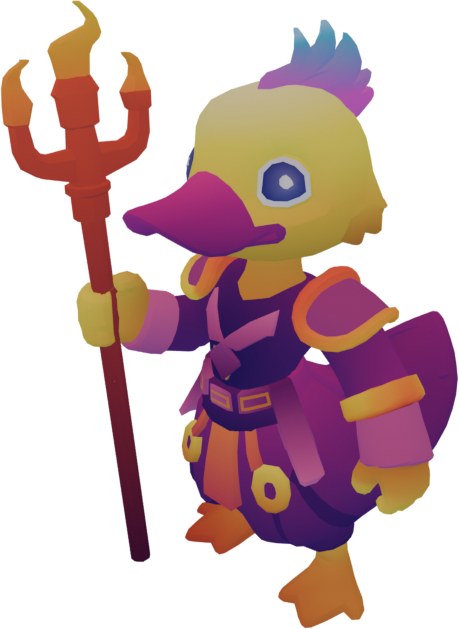
Drop in a stylized render, screenshot, or concept image. Asset to Palette samples the important local colors, detects useful color groups, and builds editable gradient strips that match the visual language of the source. The result is not just a flat color list. It is a Palette Grid-ready palette texture with gradients that can carry lighting, shadow, rim color, material variation, and stylized ramps.
Pull a texturing palette from any render
Asset to Palette is made for artists who already have a render, screenshot, blockout, or concept image and want a usable palette texture quickly. Instead of manually eye-dropping colors, building strips in an external editor, and rebuilding the layout row by row, the browser tool gives a clean starting point that can be exported and refined. It is especially useful for stylized 3D, low-poly art, compact textures, and gradient texturing.
- Upload renders, screenshots, or concept art.
- Sample color points directly from the asset.
- Generate editable gradient strips rather than a loose color list.
- Export palette PNGs and Palette Grid-compatible JSON.
Turn a flat palette texture into editable strips
Palette Cleanup is for existing palette PNGs. It reads a palette texture, identifies rows or strip regions, and rebuilds them into cleaner editable strips. Artists can inspect stops, adjust flat or gradient rows, and export a more organized palette for use in Palette Grid or other Blender texturing workflows.
Built for gradient texturing
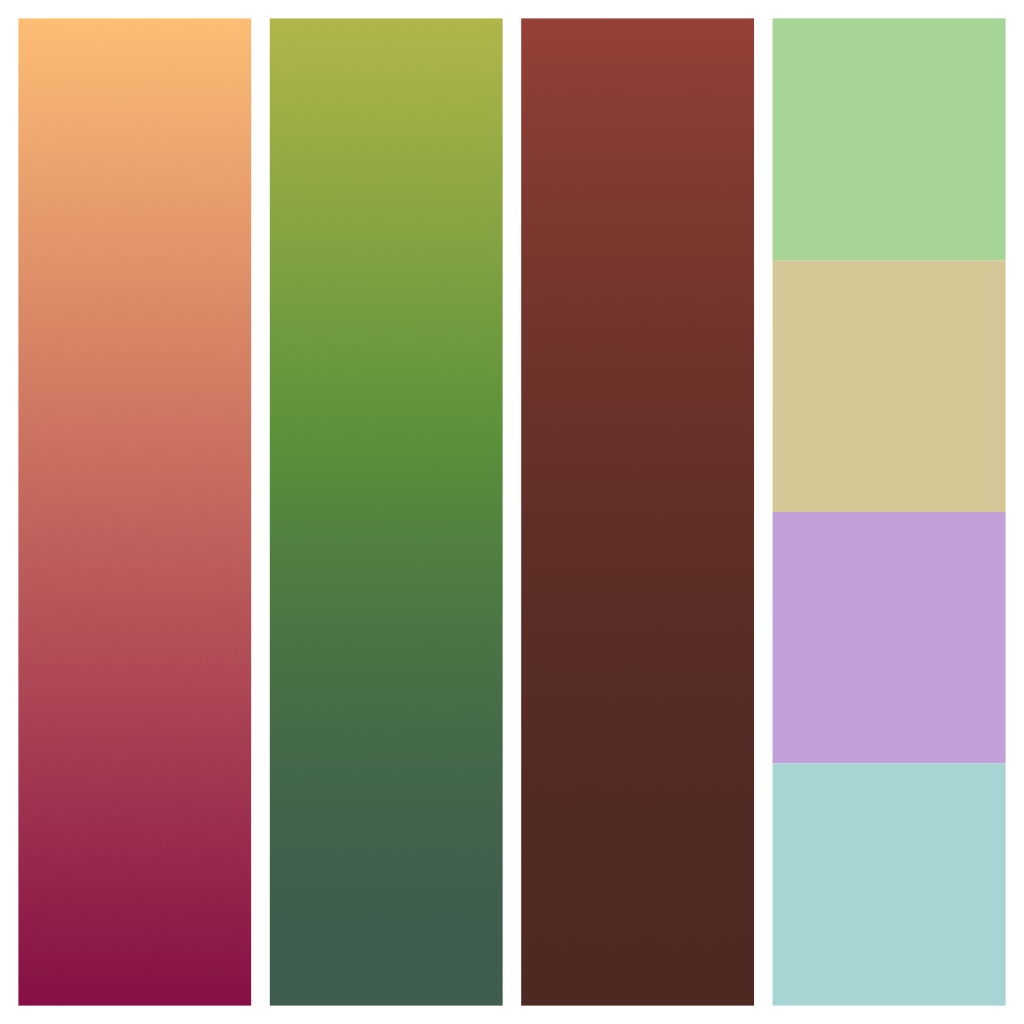
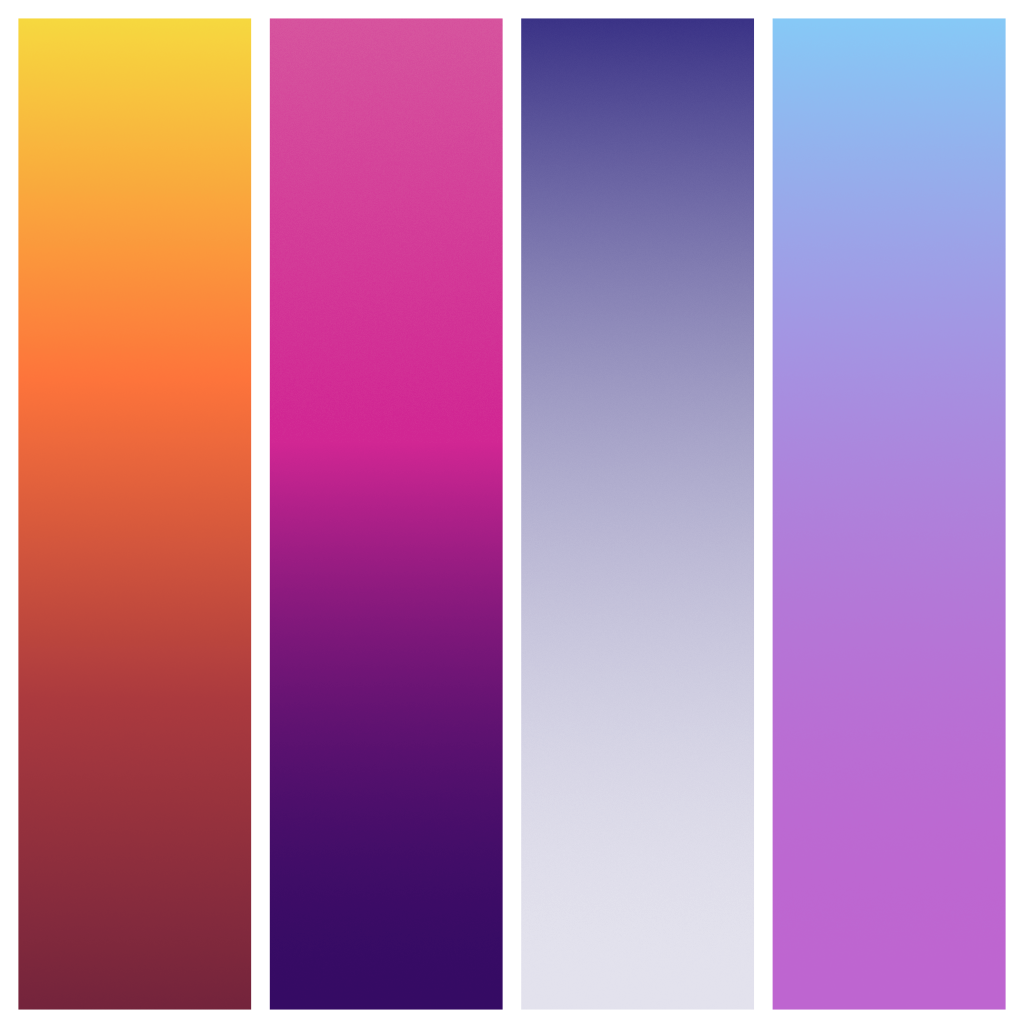
Gradient texturing uses compact palette textures to drive large parts of a stylized model. Instead of painting full-size texture maps for every object, artists use strips that hold color transitions. UV islands can sample those strips to create lighting ramps, material shifts, soft shadows, hard bands, and color variation at a much smaller texture cost. Saved Pixel App helps prepare those strips before the workflow moves into Blender.
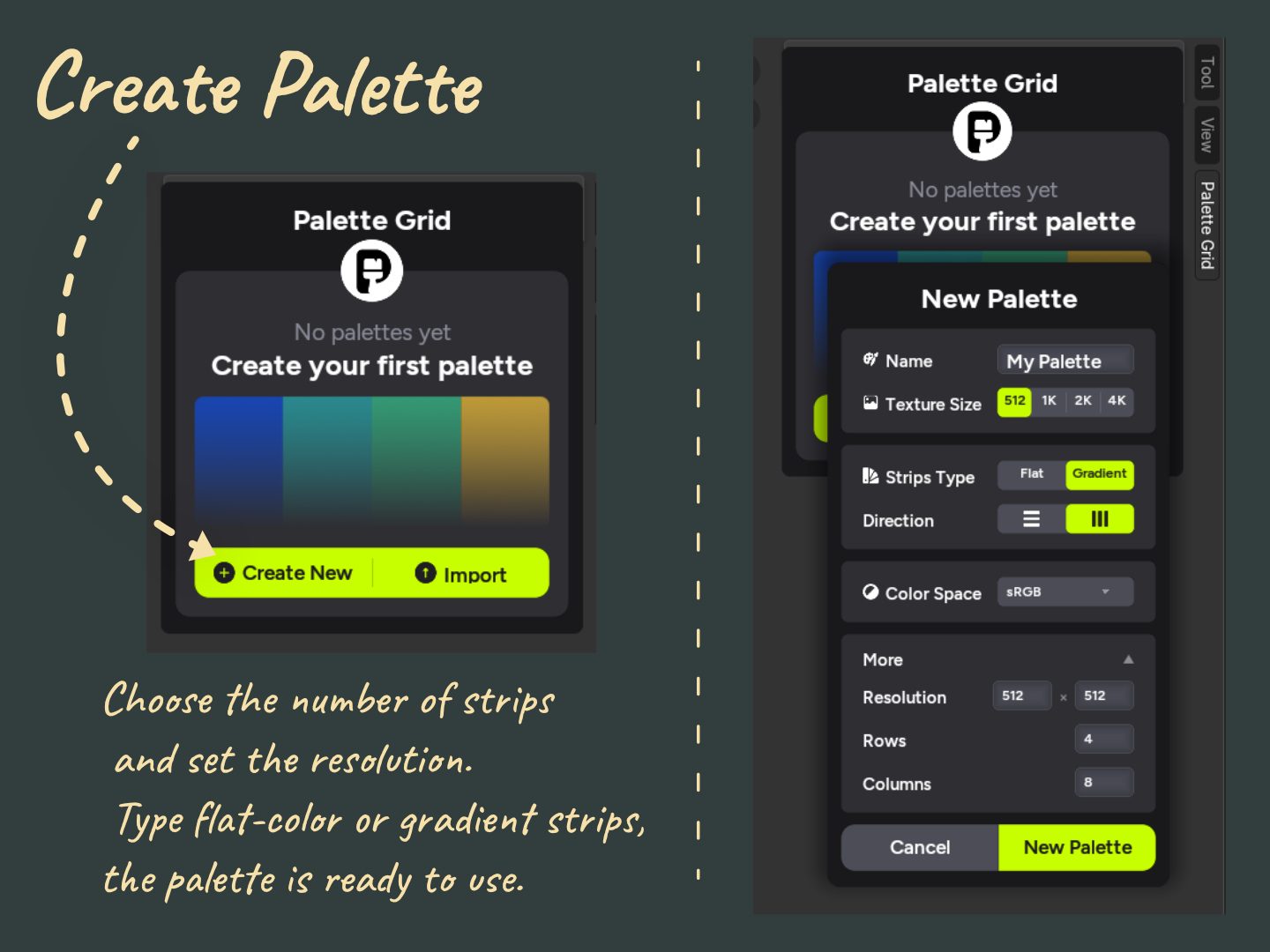
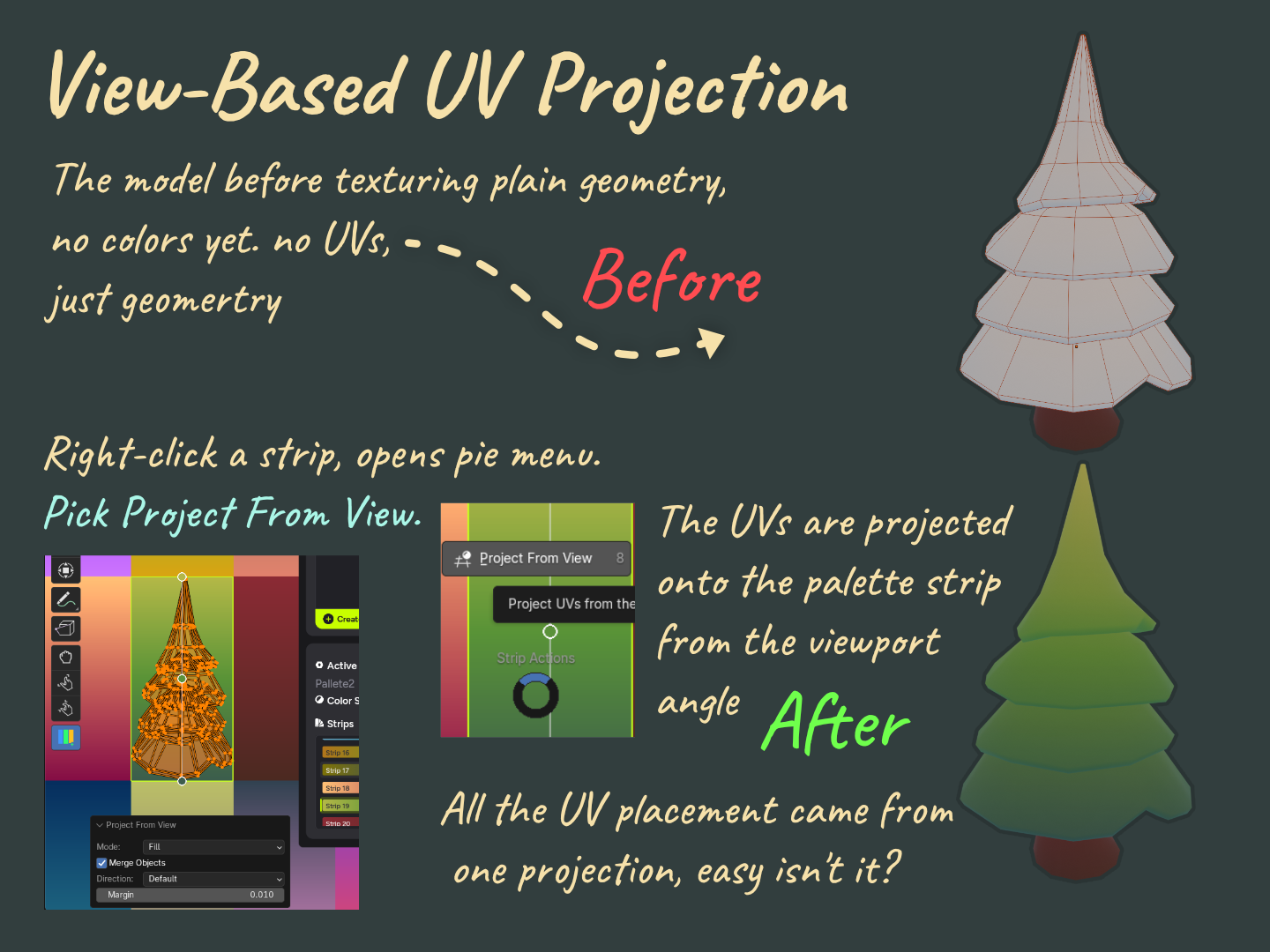
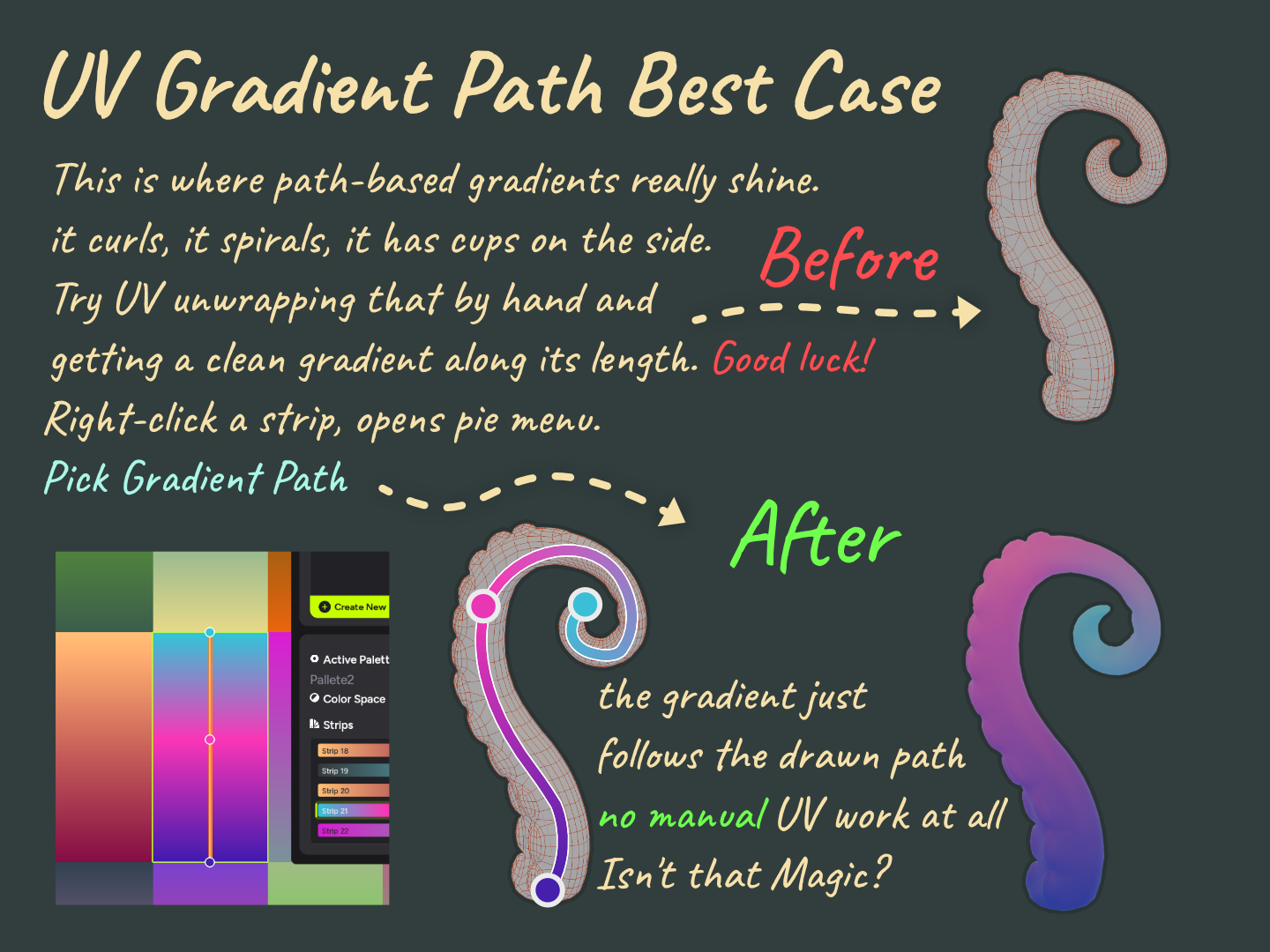
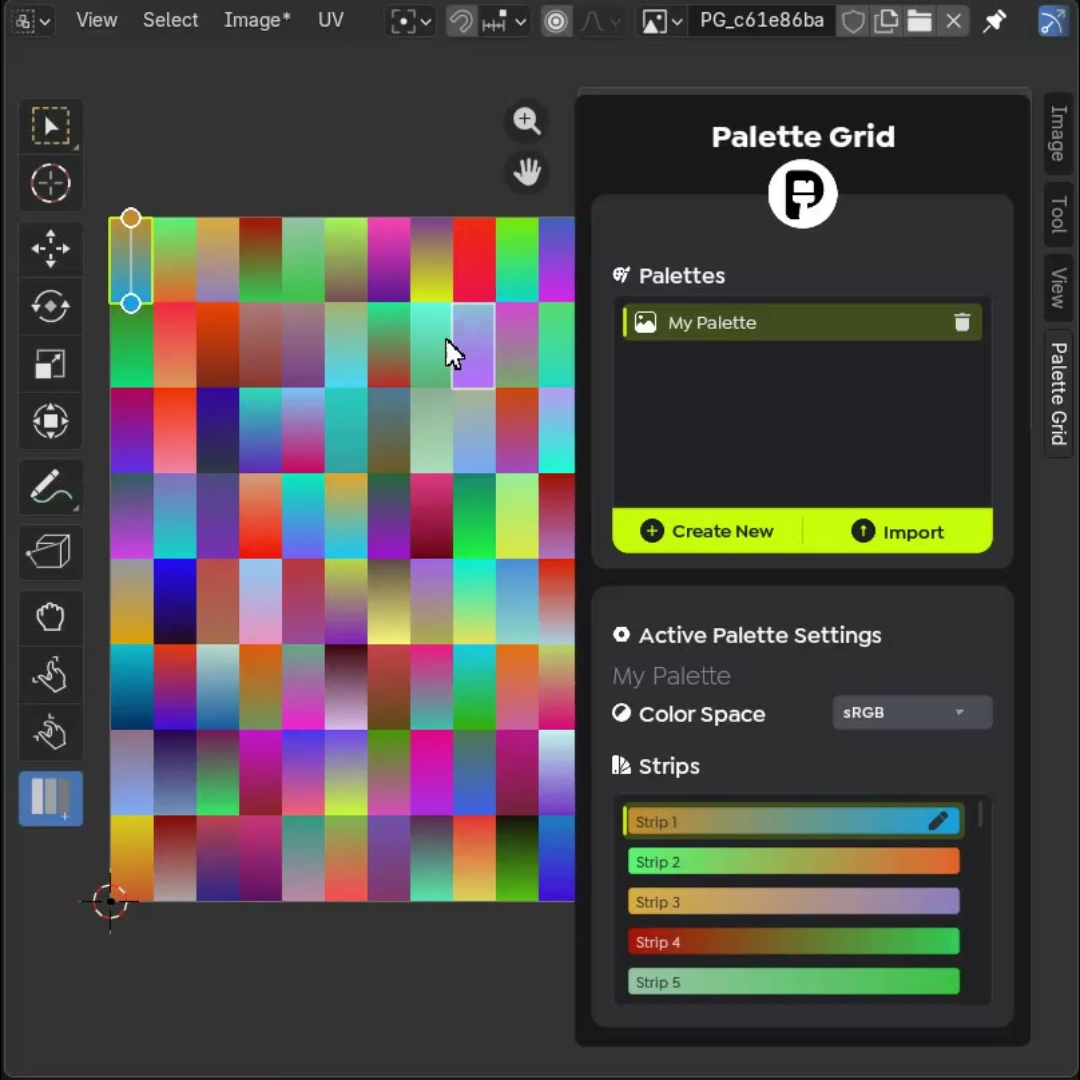
Palette Grid is the paid Blender addon that makes this practical inside the scene. It lets artists build palettes, edit gradient stops, apply strips to UVs, use view projection, draw path-based gradients, and iterate without bouncing through external image editors. The browser tools do not replace Palette Grid; they feed the workflow.
Example assets
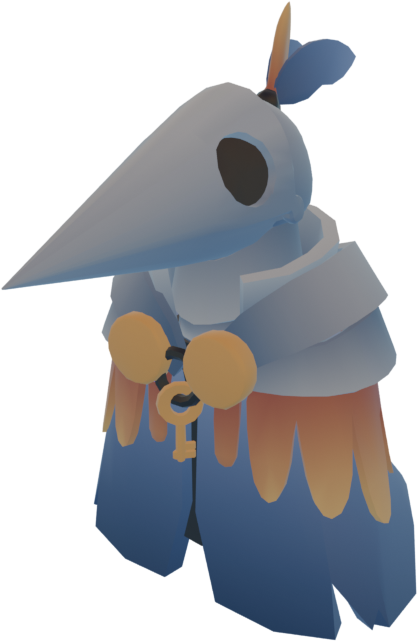
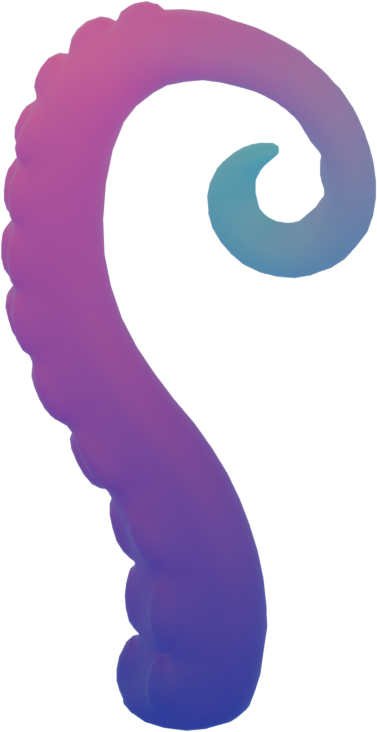
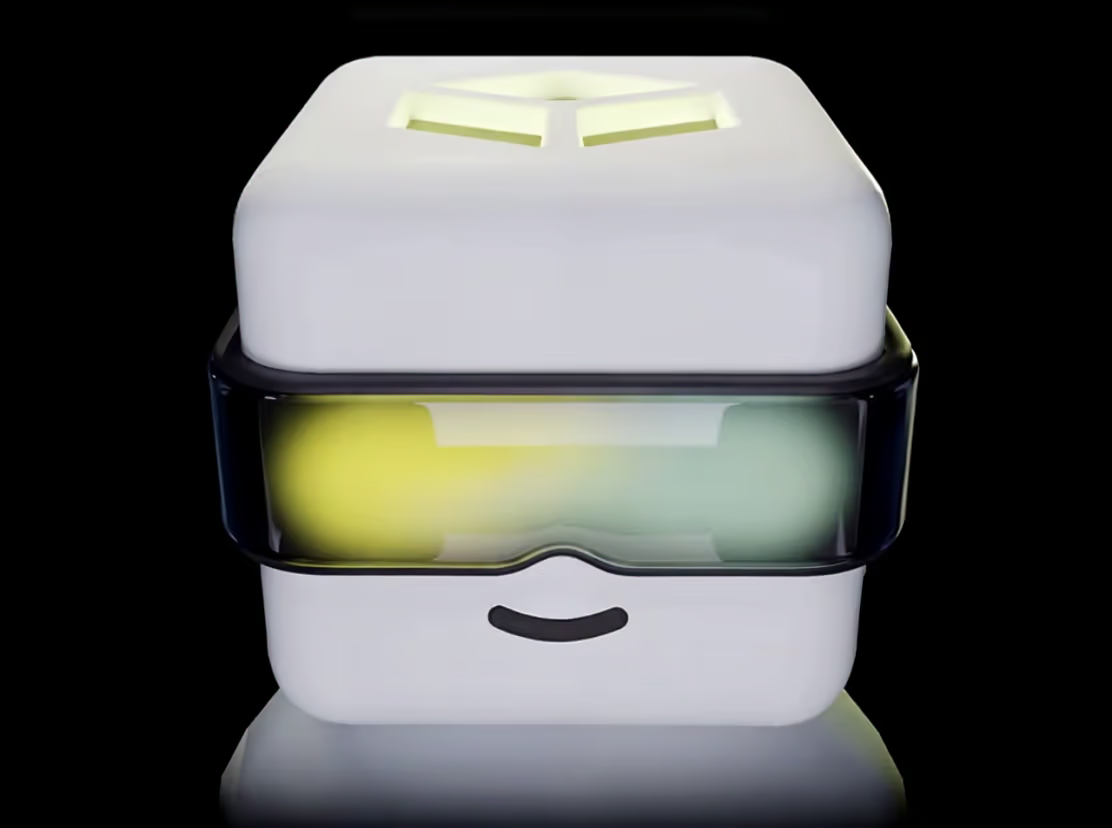
The app includes stylized examples to demonstrate how different source images produce different palette families: warm fantasy colors, cooler dusk palettes, earthy material palettes, and simple shape studies.

How the tools fit together
- Start with an image, render, screenshot, or palette PNG.
- Use Saved Pixel App to extract or clean gradient strips in the browser.
- Export a PNG palette texture or Palette Grid-compatible JSON file.
- Continue inside Blender with Palette Grid to apply strips and iterate on the model.
Tool pages and app routes
The public app routes are simple on purpose. The home route introduces the free companion tools, the Asset to Palette route opens the image-to-gradient workspace, and the Palette Cleanup route opens the PNG cleanup workspace. Older detector URLs are kept as compatibility routes so links shared during testing still reach the current tool home. Crawlers can follow these same links without executing JavaScript.
Saved Pixel App home Tools overview Asset to Palette workspace Palette Cleanup workspace Detector compatibility route Detector tool compatibility route Asset export workflow Palette export workflow Gradient strip extraction Palette strip cleanup
Frequently asked questions
Is Saved Pixel App free?
Yes. The browser tools are free companion tools. Palette Grid is the Blender addon for the complete production workflow.
Does Asset to Palette work with any image?
It is designed for renders, screenshots, and concept images that contain useful color families or ramps.
Does Palette Cleanup replace Palette Grid?
No. It prepares palette textures. Palette Grid handles the Blender-side creation, editing, projection, and UV workflow.